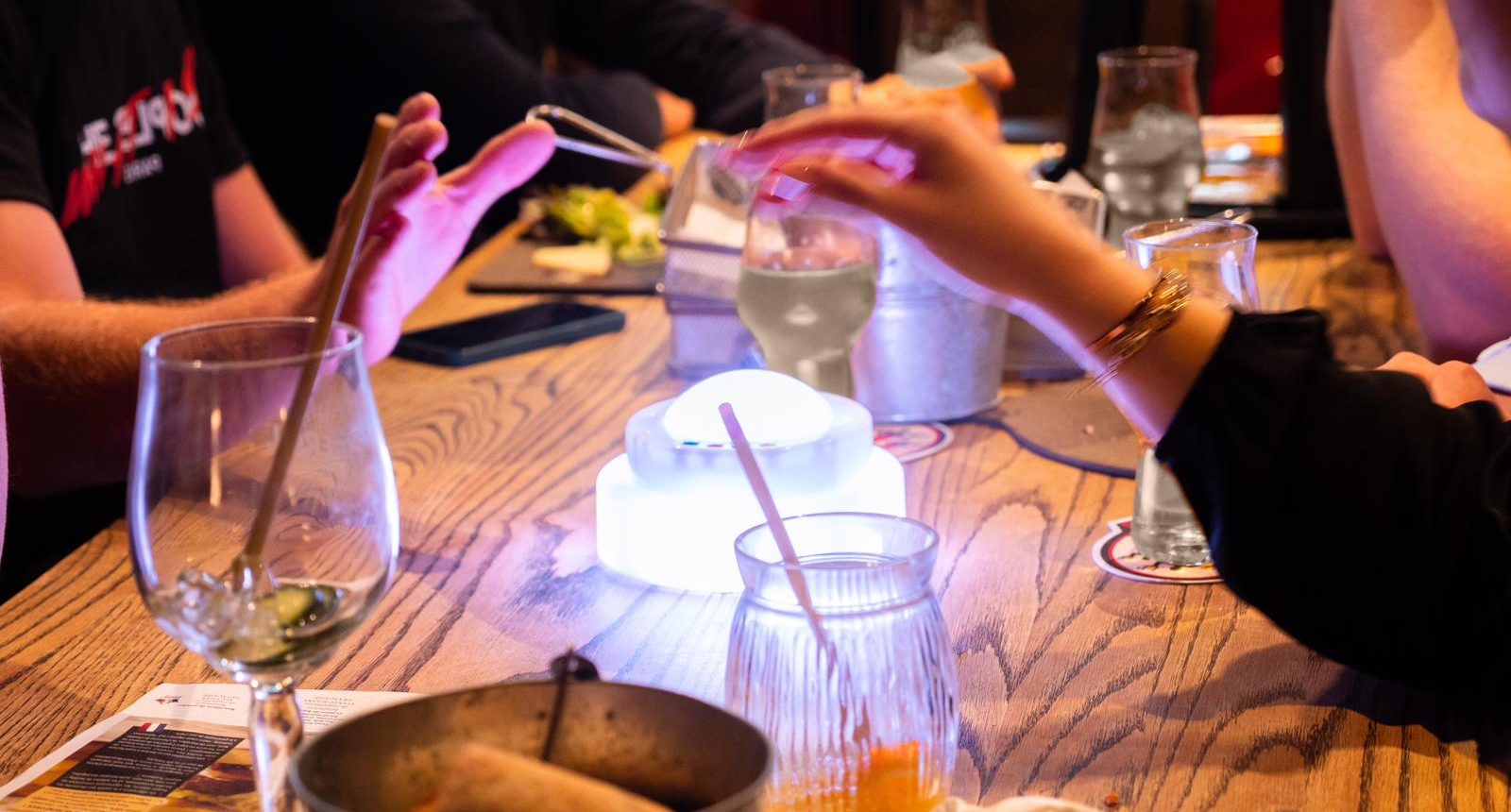
Enjoy iZimix SLAM
Include 10+ games! (Simon / Ememory …)
Turn speed, memory, music and quiz challenges into energetic physical games with Enjoy SLAM and 303S wireless buzzers.
Enjoy SLAM Interactive Games
Combine physical action, memory challenges, quizzes and music games with Enjoy 303S wireless buzzers for energetic individual and team competitions.
Keep your body and mind active
Enjoy SLAM automatically detects buzzer hits, manages timing and calculates scores, making both playing and refereeing easier.
Physical Challenges
Follow the lights and hit the correct buzzers as quickly as possible before the timer runs out.
Memory Games
Remember light sequences, match colored pairs and find the correct combinations.
Quiz & Music
Run multiple-choice quizzes, pub quizzes, blind tests and name-that-song competitions.
Automatic Scoring
The software records hits, time and scores automatically while the game is running.
More than 10 ways to play
Choose from fast physical challenges, memory games, strategy competitions, music games and quizzes.
Bam!
Follow the lights and hit each illuminated target. The player who records the most hits before time runs out wins.
Bam 2P
Two players or teams compete simultaneously to hit more illuminated buzzers within the available time.
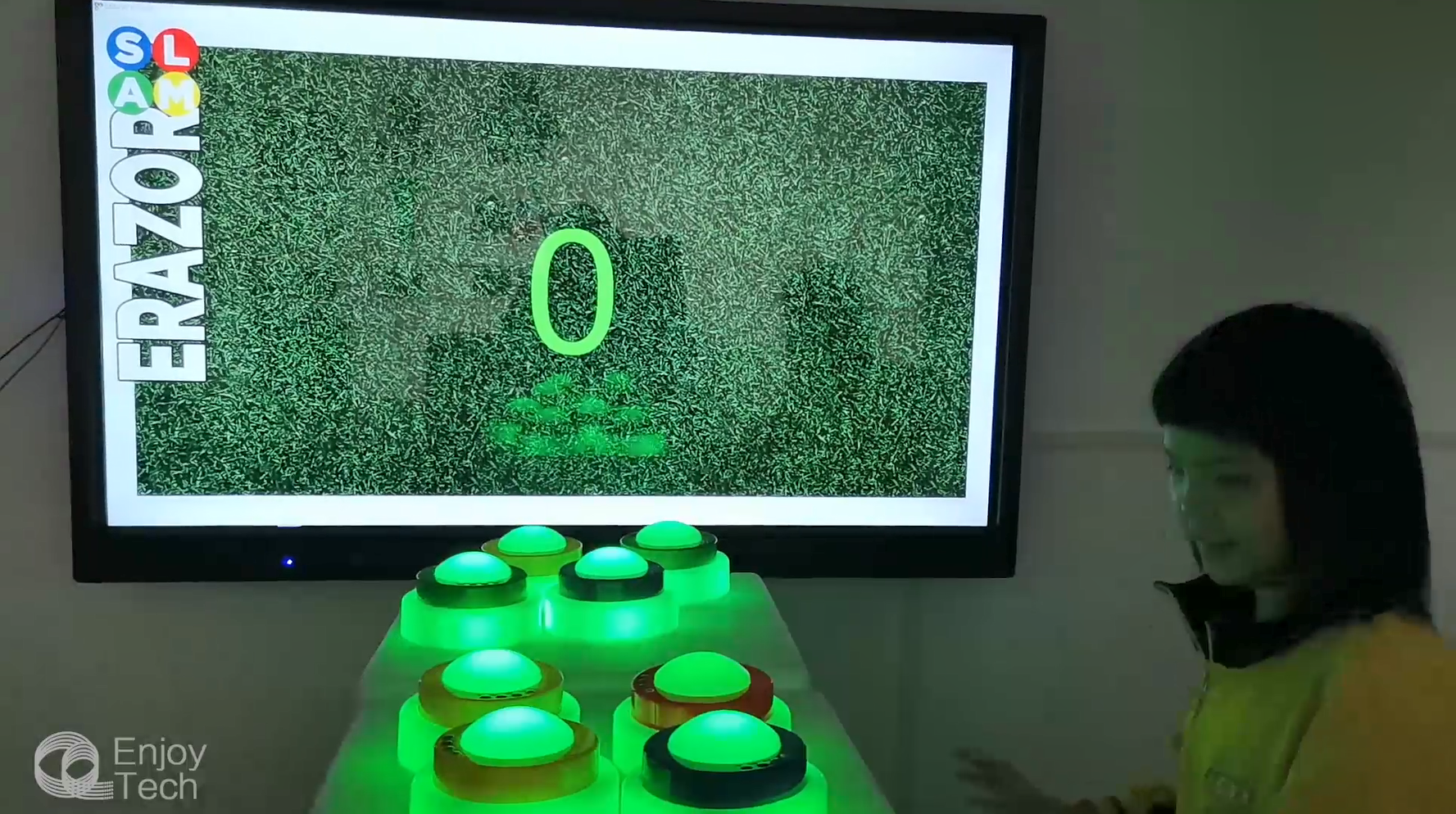
Erazor
Hit the illuminated buzzers to turn off as many lights as possible before the timer reaches zero.
Erazor 2P
Two players race to turn off more illuminated targets and achieve the highest score.
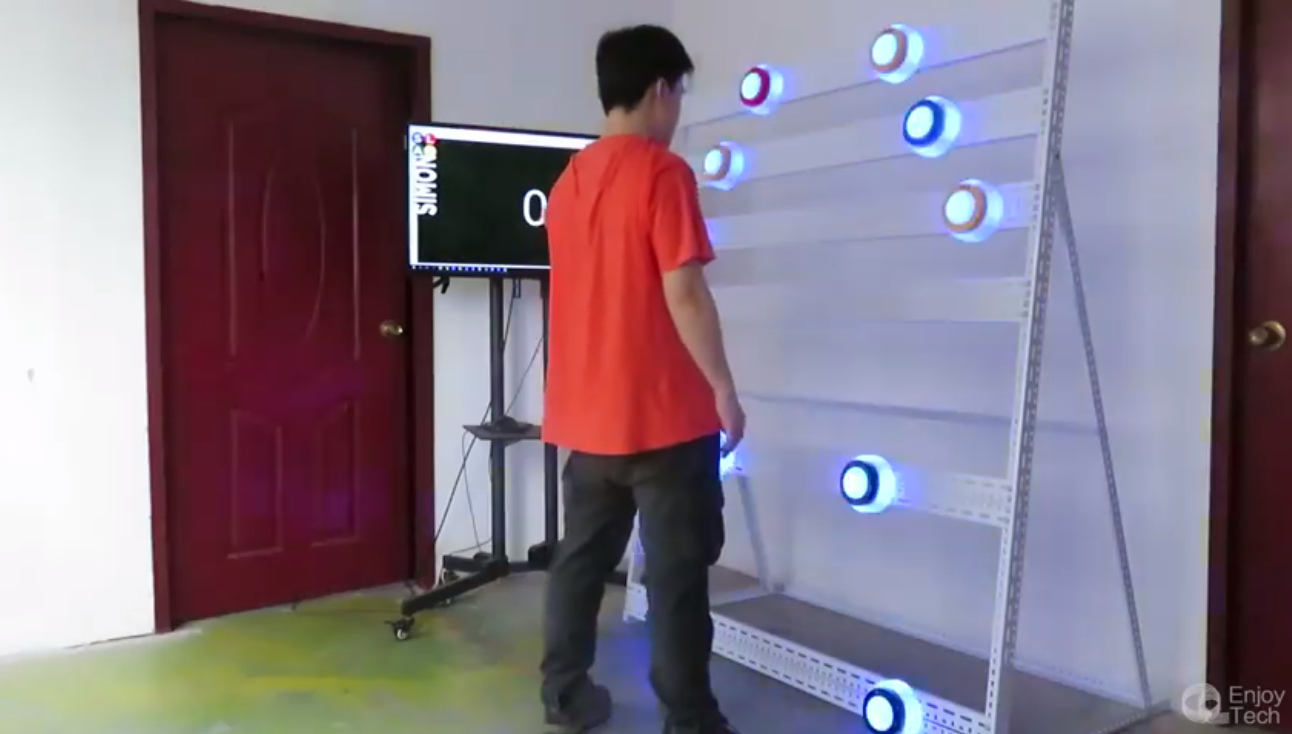
Simon
Watch the illuminated sequence and reproduce it correctly. The player who remembers the longest sequence wins.
Memory
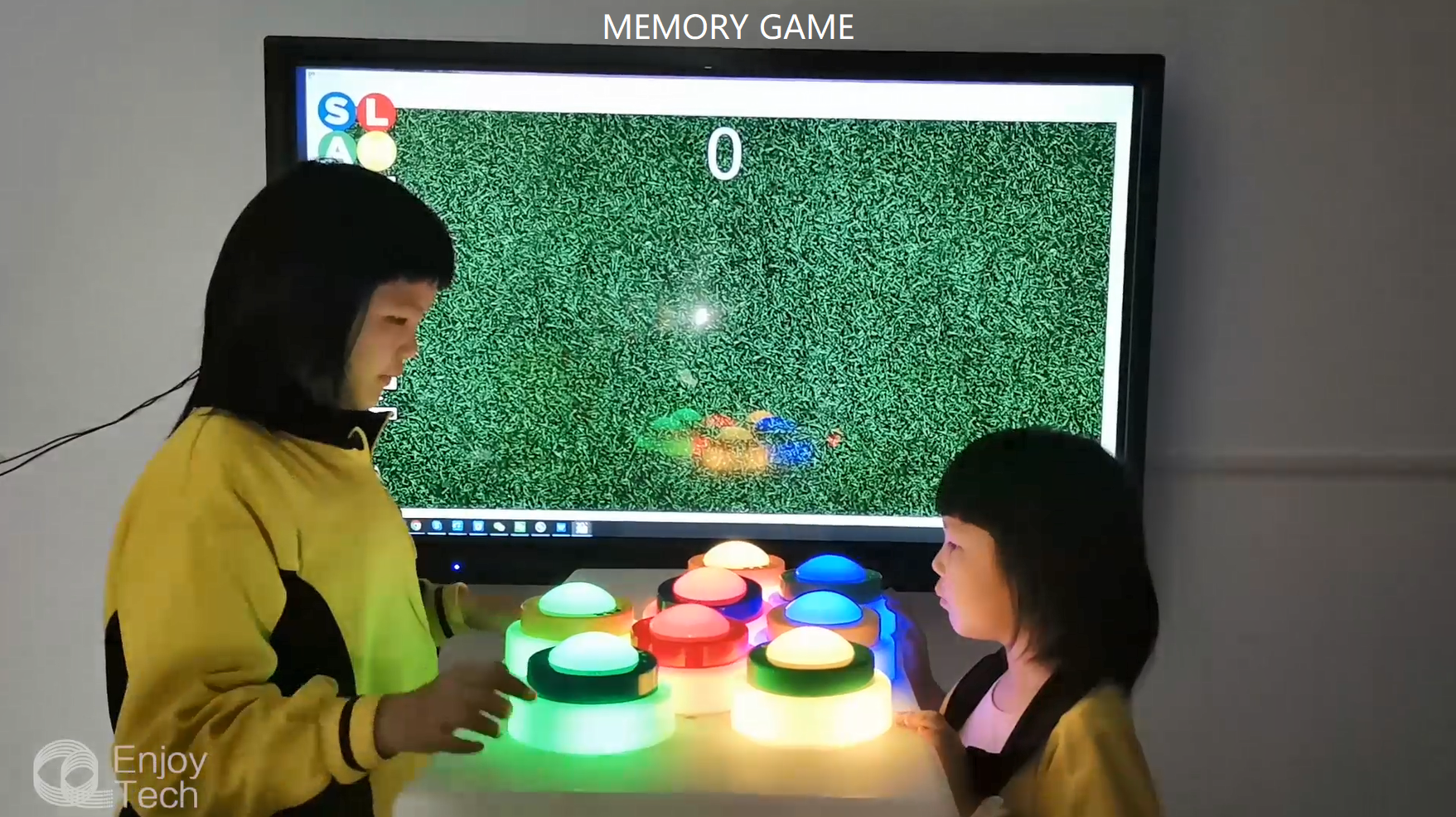
Study the color layout and find matching pairs. Complete every pair as quickly as possible.
Mr Mind
Find the correct combination using red and green light feedback to identify the correct positions.
Oxo
Create a row of three or four lights to score. The player with the highest score within the time limit wins.
Blind Test
Listen to a music clip and hit the buzzer to identify the song, singer or correct answer first.
MCQ
Players answer multiple-choice questions using the corresponding buttons on their 303S buzzers.
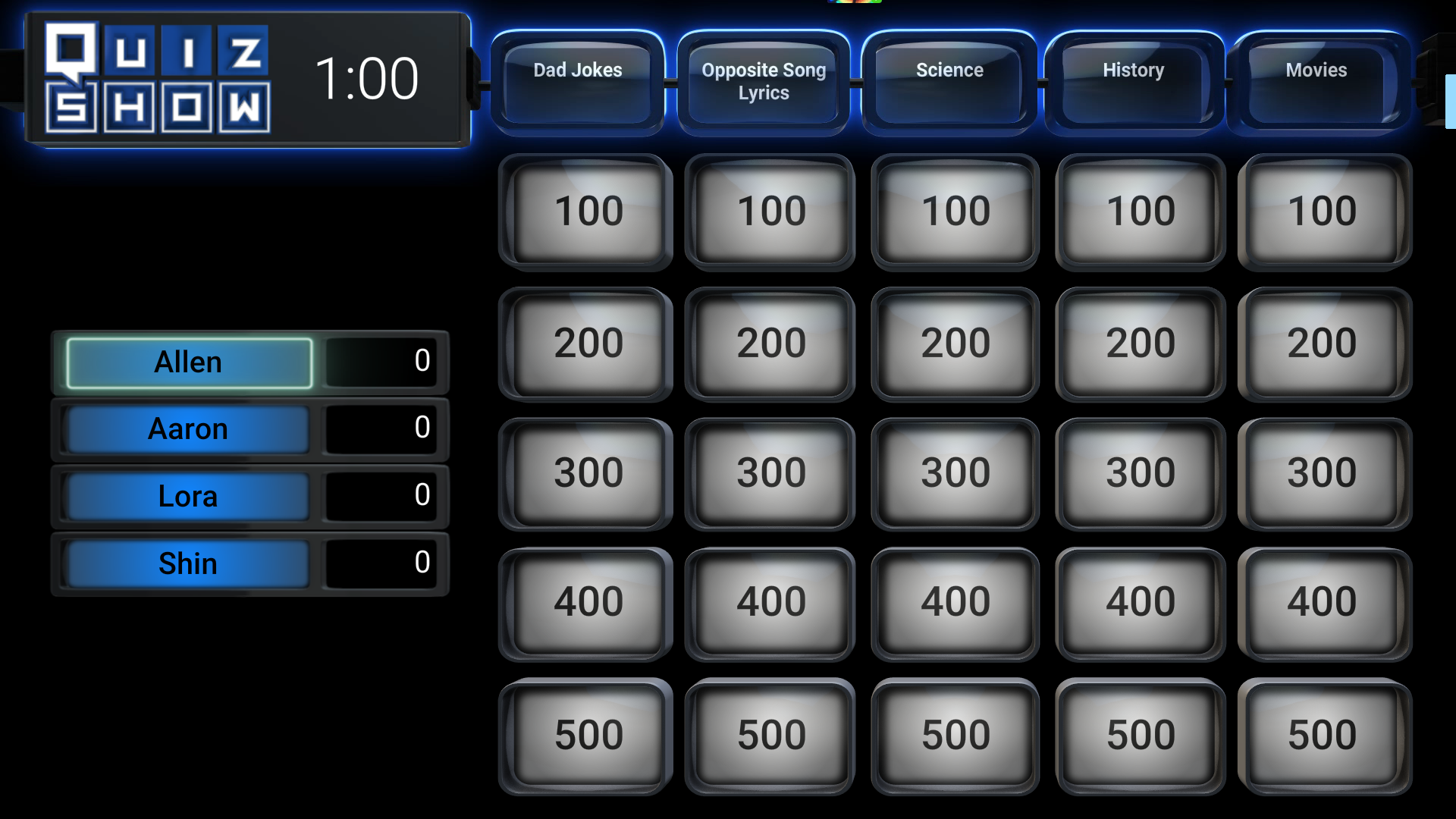
Pub Quiz
Run an organised quiz competition with automatic responses, timing and score calculation.
More Games
Combine different game modes to create challenges for parties, schools, events and entertainment venues.
See the games in action
Click the videos below to see different Enjoy SLAM game modes working with Enjoy wireless buzzers.
 ▶
▶
Interactive Challenge
Physical gameplay using wireless 303S buzzers.
 ▶
▶
Enjoy SLAM Demo
See how the system manages hits, time and scores.
 ▶
▶
Live Event Use
Enjoy SLAM being used in a real event environment.
 ▶
▶
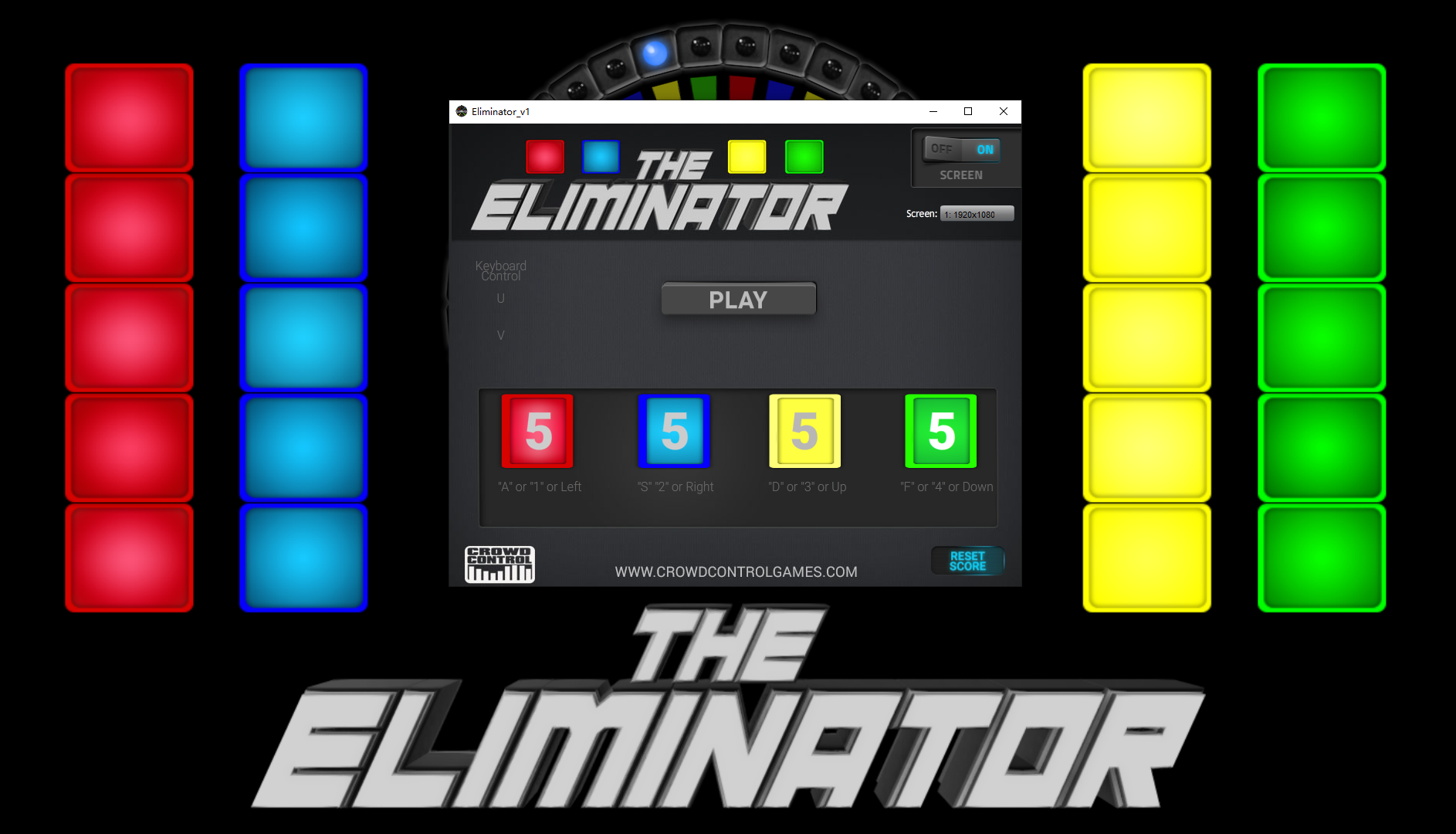
Buzzer Game Setup
Connect and configure Enjoy buzzers for gameplay.
 ▶
▶
Team Competition
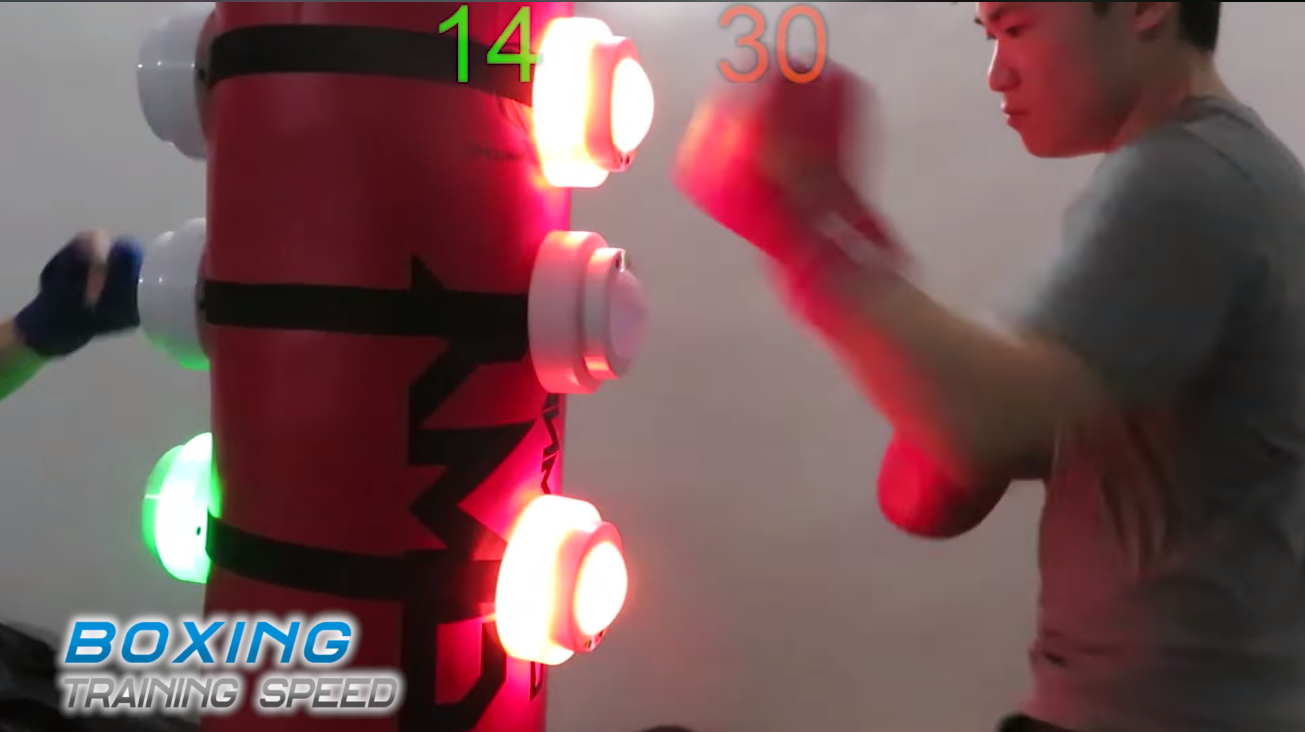
Players compete in a fast wireless buzzer challenge.
 ▶
▶
Memory Challenge
Test speed, concentration and visual memory.
Start playing in three steps
Connect the system, choose a game and let the competition begin.
Connect the Buzzers
Plug in the receiver, open the configuration panel and set the buzzer IDs and required options.
Choose a Game
Open the audience display and select the required game mode from the MC control screen.
Start the Challenge
The MC starts the round and players compete to achieve the best time or highest score.
Designed for simple game control
Configure the teams and buzzers, manage each round and display live results to the audience.
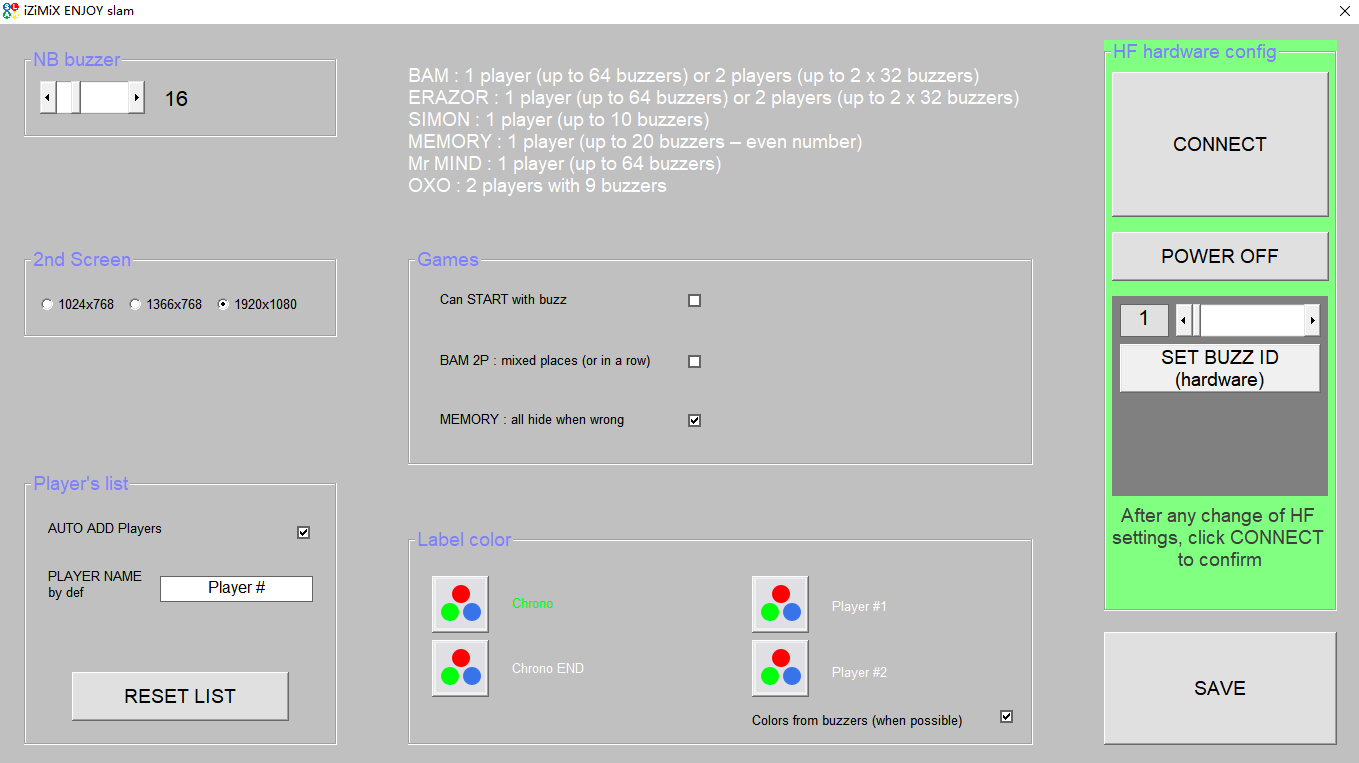
Flexible Setup
- Edit the name and display color of each team.
- Set the number of connected buzzers and displayed text colors.
- Configure buzzer IDs and other wireless settings.
- Allow players to start the next round by pressing a buzzer, without using the Start button on the control screen.
- After changing the wireless settings, click “Connect” and save the configuration before starting.
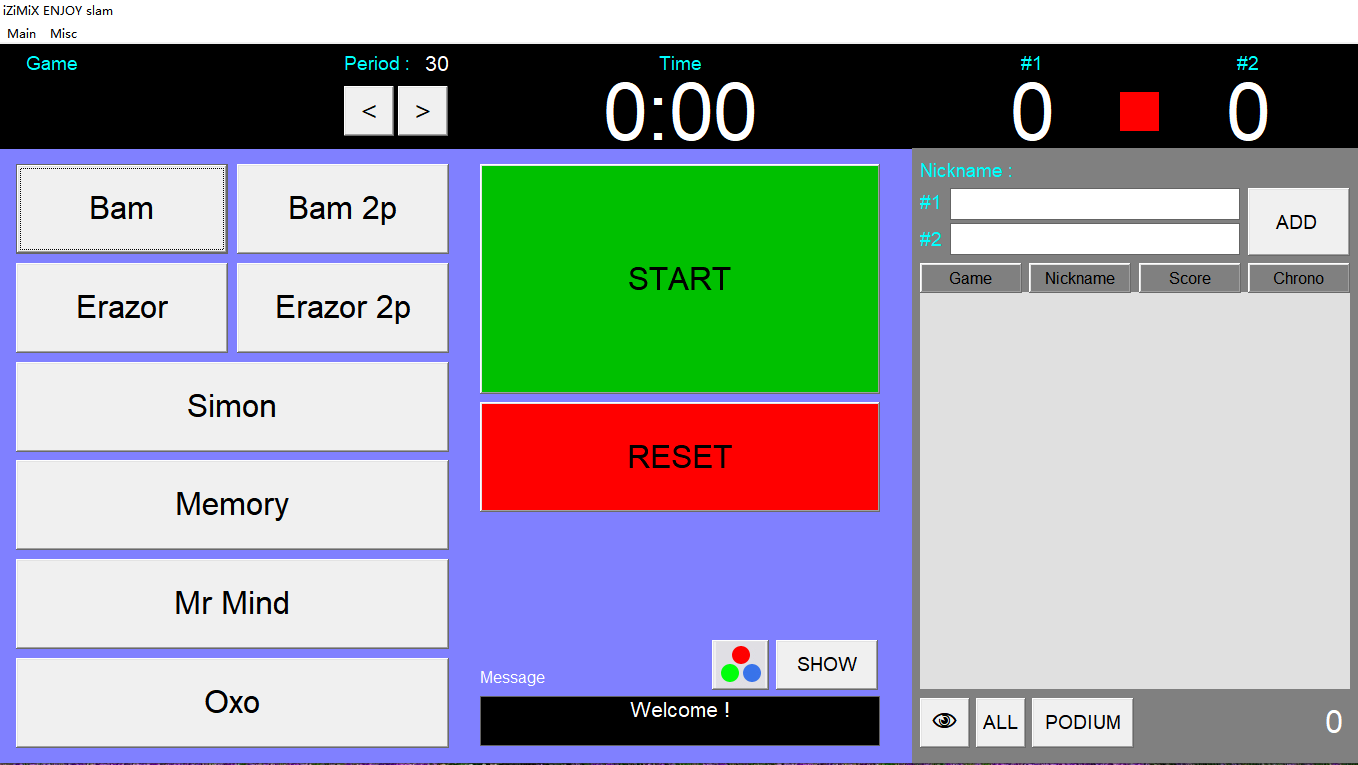
Automatic Game Control
- Choose from more than 10 game modes.
- Support individual and two-player or two-team competitions.
- Automatically record buzzer hits and correct sequences.
- Automatically calculate the score and time used.
- Control every round from the MC control screen.
Dual-Screen Display
- The MC screen provides the game controls, settings and round management.
- The second screen presents the game information and live results to the audience.
- Display the game name, remaining time, player responses and real-time score ranking.
- Give players and spectators clear visual confirmation during every round.
Ready, set, SLAM!
One or two teams can compete while the software handles the timing, scoring and audience display.
During the Game
- The MC chooses the game mode and starts the round.
- The buzzers flash in different colors to show that they are activated and ready.
- In Bam and Erazor, players hit the buzzers when they illuminate.
- In other modes, players follow the instructions of the selected game.
- The audience screen displays hits, correct sequences, scores and completion time.
What you need
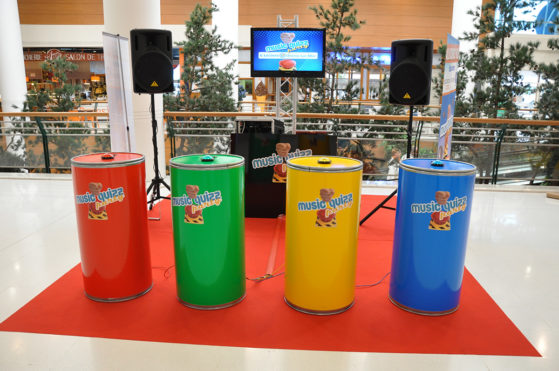
Enjoy SLAM works with Enjoy 303S wireless buzzers and a compatible receiver.
System Contents
Combine the Enjoy SLAM software with your 303S buzzer hardware to create the complete game system.
Compatible with Enjoy 303S
The 303S wireless buzzer combines illuminated buttons, programmable IDs and keystroke control for quizzes, physical challenges and interactive games.
Explore 303S BuzzersKeep your body and mind active
Bring fast physical challenges, memory games and quizzes together with Enjoy SLAM and 303S wireless buzzers.

Contact us
Tel / Fax: 86-20-37212096
Postcode: 510850
SKYPE: enjoy-ars
Email: [email protected], [email protected]
WeChat: cxlweibo2011
WhatsApp: +86 13316041506