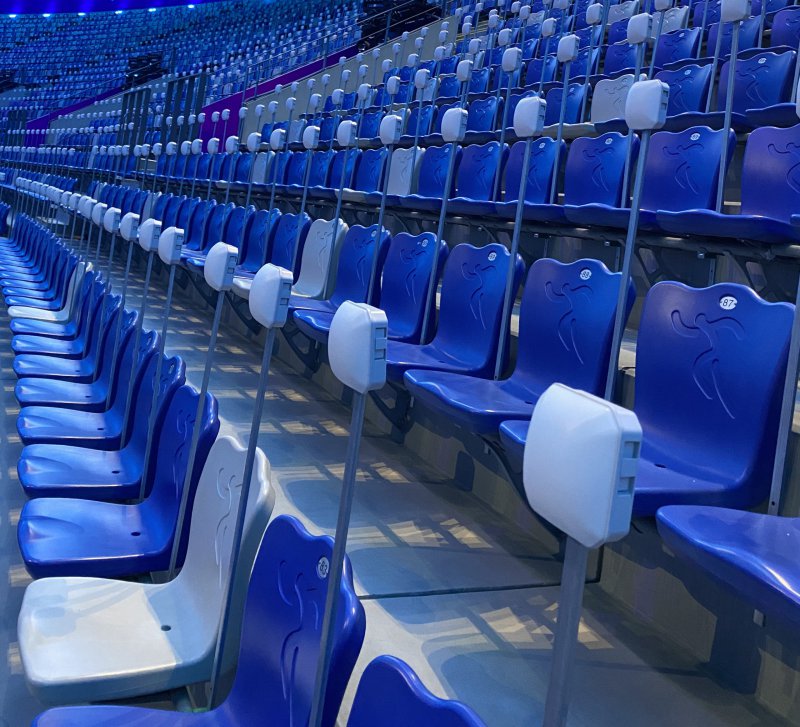
Enjoy IPS
Standalone design and easy to use!
Create interactive multimedia presentations and collect instant audience feedback with Enjoy IPS and wireless clickers.
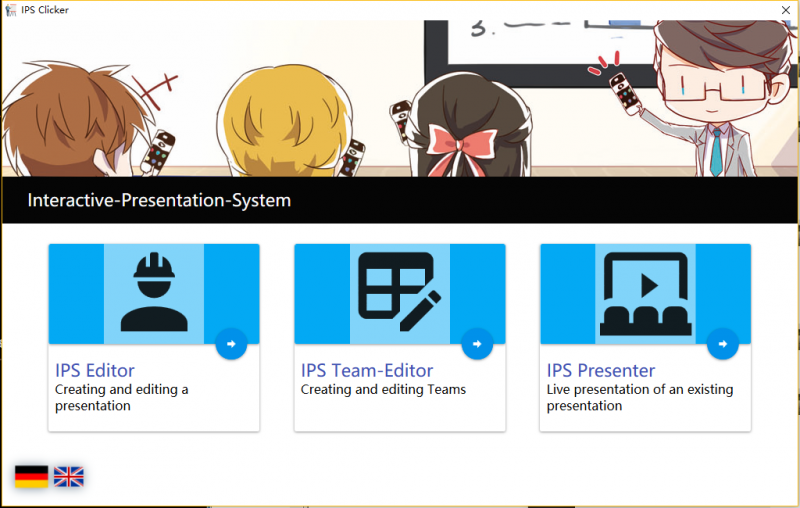
Enjoy IPS
Create interactive multimedia presentations, ask questions and collect direct audience feedback with Enjoy wireless clickers.
Interactive presentations without PowerPoint limitations
Enjoy IPS is a standalone presentation tool for creating interactive content and collecting real-time responses.

Simple presentation creation and direct feedback
Build multimedia presentation pages, add interactive questions and involve every participant using wireless clickers.
Turn a presentation into a conversation
Move beyond one-way presentations by giving every participant a simple way to respond.
Create Quickly
Build presentation pages through a simple interface with convenient drag-and-drop functions.
Ask Questions
Add interactive questions to lessons, training sessions, conferences and event presentations.
Collect Feedback
Participants submit their answers using individual wireless clickers during the presentation.
Engage Everyone
Give every participant an equal opportunity to respond and create a more memorable experience.
Start an interactive presentation in three steps
Prepare the presentation, distribute the clickers and collect responses from the audience.
Create the Presentation
Add your text, images, multimedia content and interactive question pages.
Distribute the Clickers
Give each audience member an Enjoy RF217 wireless clicker.
Present and Interact
Ask questions, collect responses and involve the audience throughout the presentation.
Everything needed for an interactive session
Create, present and interact through one simple standalone program.
Intuitive Interface
A clear and approachable interface makes the software easy to learn and operate.
Drag-and-Drop Creation
Arrange presentation elements quickly without requiring advanced design or programming skills.
Interactive Questions
Add questions throughout the presentation to check understanding and collect opinions.
Multimedia Support
Combine text, images and other multimedia elements in the presentation.
Wireless Participation
Audience members respond directly through their individual Enjoy clickers.
Direct Feedback
Collect participant responses during lessons, training sessions and live presentations.
No Microsoft Office version restrictions
Unlike a PowerPoint add-in, Enjoy IPS runs as its own presentation program. This keeps the workflow simple and avoids compatibility limitations between different Microsoft Office versions.
Designed to work with Enjoy RF217
RF217 provides a simple wireless response experience for presentations, quizzes, training and audience voting.
Enjoy RF217 Wireless Clicker
Participants use the clear A–F buttons to submit answers. The RF receiver collects the responses and transfers the information to the Enjoy IPS software.
Enjoy RF217
A lightweight and reliable clicker for interactive presentations and audience response.
View RF217 ClickerLearn more about Enjoy IPS
Watch the introduction and step-by-step operation videos.
A clear interface for creating and presenting
Use the visual editing interface to prepare multimedia content and interactive question pages.
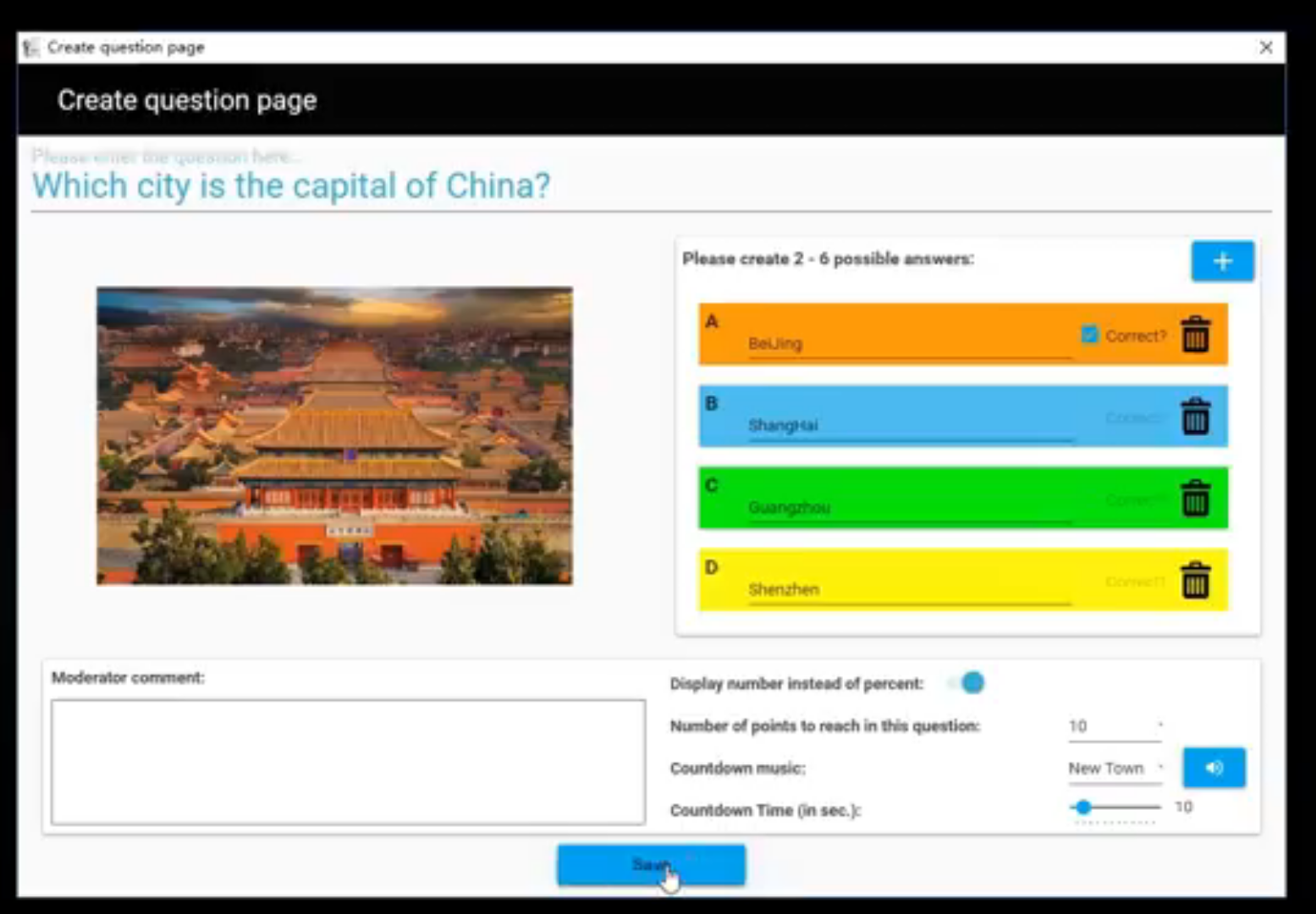
Presentation Creation
Arrange presentation content and build interactive pages through the editing interface.
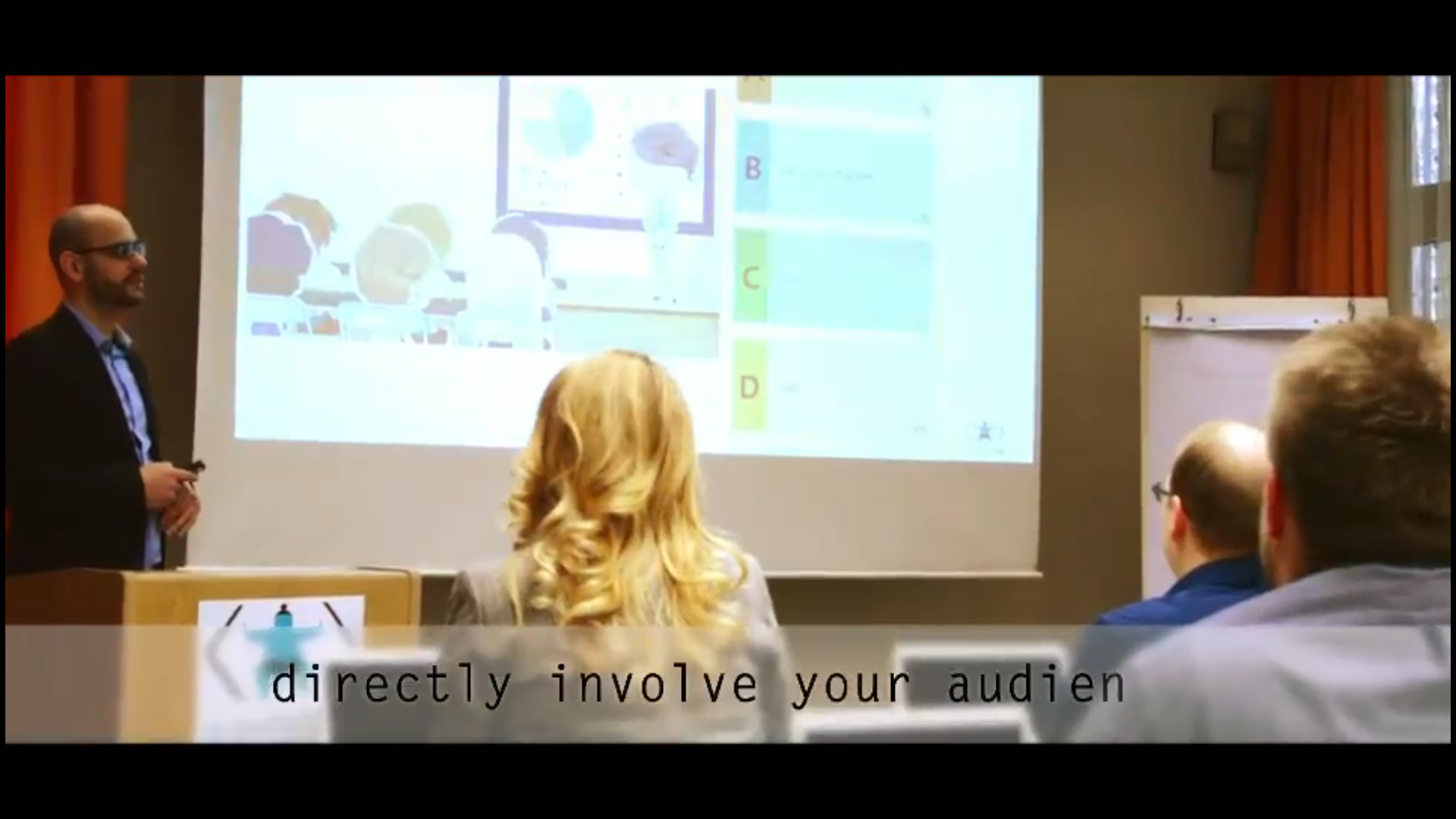
Interactive Questions
Present questions and collect participant responses using Enjoy wireless clickers.
Make every presentation interactive
Create multimedia content, ask questions and collect direct feedback with Enjoy IPS and RF217 wireless clickers.

Contact us
Tel / Fax: 86-20-37212096
Postcode: 510850
SKYPE: enjoy-ars
Email: [email protected], [email protected]
WeChat: cxlweibo2011
WhatsApp: +86 13316041506